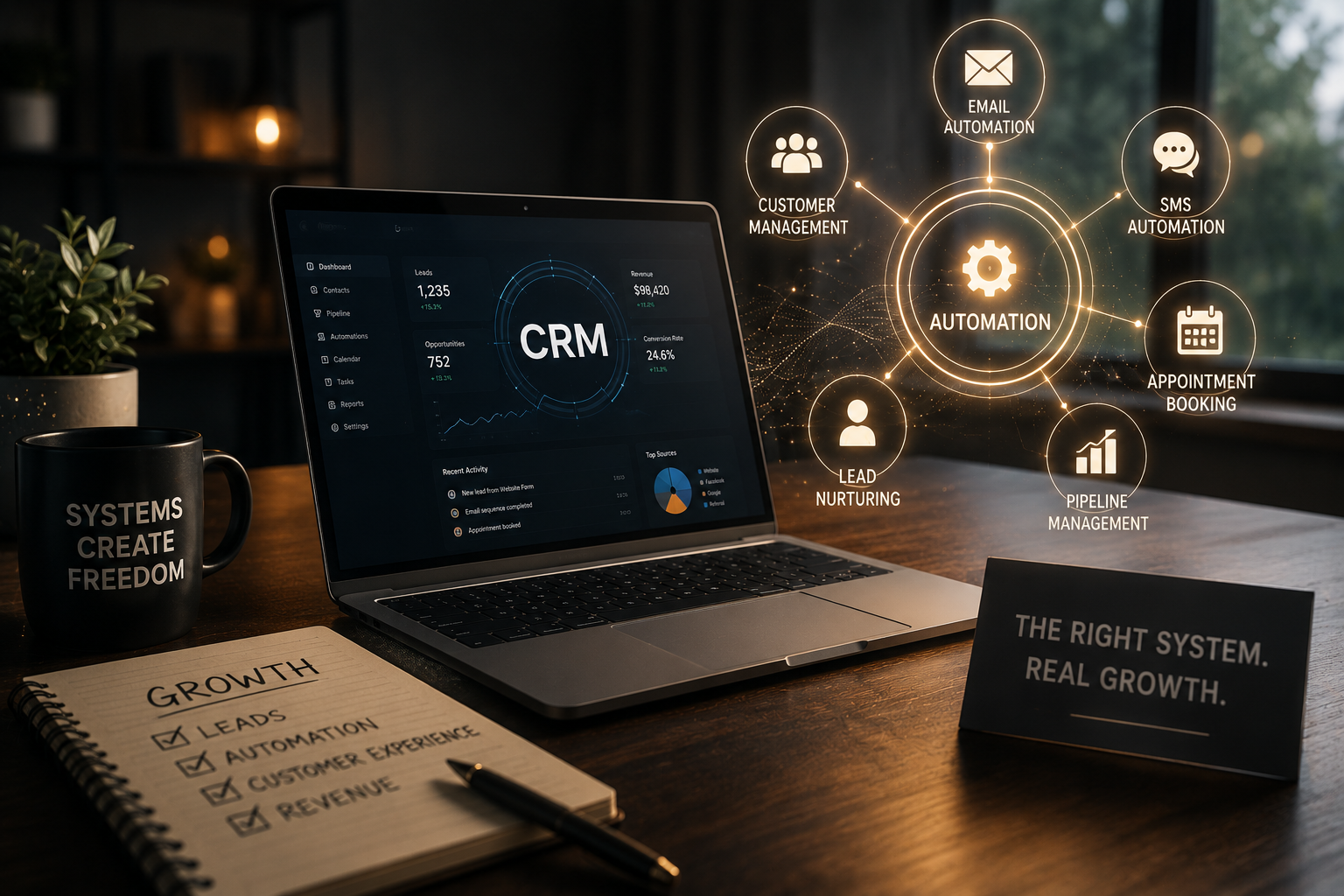
The right CRM setup in 2026 quietly works in the background so you can focus on serving customers instead of chasing spreadsheets.
Growing a small business today means managing more touchpoints, more channels, and higher customer expectations than ever before. By 2026, the businesses that thrive will be the ones using CRM automation as a genuine growth engine, not simply as a digital contact database.
We've seen time and again that success rarely comes down to the CRM platform itself. The real difference lies in how you customize and automate it around your actual workflows. When your CRM reflects the way you sell, nurture leads, and support customers, it stops feeling like "just another tool" and becomes the backbone of your operations.
In this guide, we'll walk through practical strategies for customizing CRM automation and building a system that grows alongside your business. Whether you're starting from scratch or trying to untangle a partially built GoHighLevel account, the goal is the same: create a CRM that feels intuitive, scalable, and genuinely useful.
Why 2026 Is Different: CRM Has Become Your Operations Hub
A few years ago, having a CRM was considered a nice-to-have. Today, customers expect fast responses, consistent follow-up, and personalized communication across email, SMS, and social channels. Those expectations have transformed the CRM into much more than a contact list. It now serves as:
- A sales pipeline manager
- A marketing automation engine
- A customer service platform
- A reporting and forecasting tool
If your CRM isn't structured around the way your business actually operates, it quickly becomes frustrating and inefficient. Effective CRM customization starts with mapping your real-world processes into a digital system that supports your team and customers.
Start With Your Customer Journey, Not With Features
Before changing any settings, take a step back and map your customer journey from first contact to loyal client. Features come later. The journey comes first.
Ask yourself:
- How do people first hear about you?
- Where do leads typically drop off?
- At what point do you usually win the sale?
- What does excellent service look like after the sale?
Once you've sketched out the journey, you can translate it into concrete CRM components such as pipelines, stages, tags, forms, and automations. This is often where having an experienced GoHighLevel expert or CRM builder can save significant time and trial and error. The goal isn't to use every feature available. The goal is to use the right features in the right sequence.
Designing Pipelines That Match Your Sales Reality
Your pipeline is the heartbeat of your CRM. In 2026, a generic "Lead / Contacted / Closed" pipeline simply doesn't work for most small businesses.
We typically build pipelines that mirror real customer journeys:
- New inquiry (from web form, chat, or phone)
- Qualified lead (fit is confirmed)
- Proposal or appointment sent
- Follow-up in progress
- Verbal yes, awaiting final steps
- Won / Onboarded
- Lost / Not a fit
When these stages reflect your actual language and process, your team instantly understands what needs to happen next. Automation can then sit on top of these stages through reminders, follow-up sequences, task assignments, and notifications that keep opportunities moving without constant manual effort.
A clean, well-structured pipeline is one of the foundations of successful CRM customization because it allows your business to grow without leads slipping through the cracks.
Building Smart Automations Instead of Noisy Ones
Automation can feel like magic or like spam. The difference is strategy.
We prefer to build fewer, smarter automations that benefit both your team and your customers.
A simple framework includes:
What event starts the automation? A form submission, pipeline stage change, missed call, or online booking.
When should each step happen so it feels natural rather than robotic? This might include an immediate confirmation followed by messages one, three, or seven days later.
Which communication method fits the moment? Email works well for detailed information, SMS is ideal for confirmations and reminders, and sometimes a manual task is best when a personal touch is needed.
When should the automation stop? If someone replies, books an appointment, or makes a purchase, they should automatically exit the sequence to avoid conflicting messages.
With this foundation in place, CRM automation becomes a layering process. You begin with core workflows and gradually add more advanced automations based on customer behavior without overwhelming your database.
Essential Automations Every Small Business Should Implement
Some automations deliver immediate value because they eliminate repetitive tasks and create a more consistent customer experience. When implemented correctly, these workflows save hours every week and ensure that no opportunities slip through the cracks.
New Lead Capture and Instant Response
Every new inquiry should automatically enter your CRM, whether it comes from a website form, live chat, social media message, or phone call. The system should create a contact record, apply the appropriate tags, assign the lead to the correct pipeline stage, and send an immediate confirmation message.
A simple acknowledgment such as, "Thanks for reaching out. We've received your message and will be in touch shortly," reassures prospects that their inquiry has been received and sets the tone for a professional experience.
Missed Call Text Back
Missed calls often turn into lost opportunities. A missed call automation automatically sends a friendly text message when someone calls and no one answers.
For example:
- "Sorry we missed your call. How can we help? Reply here, and we'll get back to you shortly."*
This simple workflow can recover leads that might otherwise contact a competitor instead.
Appointment Booking and Reminders
Appointment scheduling becomes significantly easier when reminders are automated. Once someone books a meeting, the CRM can:
- Send an instant confirmation
- Add the event to connected calendars
- Deliver reminder messages before the appointment
- Notify team members of upcoming meetings
These automated touchpoints reduce no-shows and eliminate much of the manual administrative work associated with scheduling.
Post-Appointment Follow-Up
Following up after a meeting is one of the easiest ways to improve conversions, yet it is often overlooked.
A simple follow-up sequence can:
- Thank the prospect for their time
- Provide next steps
- Share helpful resources or proposals
- Encourage questions
- Prompt a decision when appropriate
Because these communications are automated, every prospect receives a consistent experience regardless of how busy your team becomes.
New Client Onboarding
The first few days after a sale are critical for building trust and reducing buyer anxiety.
An onboarding automation can guide new customers through the process by:
- Sending welcome messages
- Sharing onboarding instructions and resources
- Assigning internal tasks
- Scheduling check-ins
- Providing progress updates
A structured onboarding experience creates confidence and establishes strong relationships from the very beginning.
Review and Referral Requests
Satisfied customers are often willing to leave reviews or refer others, but they usually need a gentle reminder.
Automated review and referral requests can be sent after positive milestones, completed projects, or successful deliveries. By asking at the right time, you generate more reviews, strengthen your reputation, and create a steady source of referrals.
Custom Fields and Tags: The Foundation of Personalization
One of the most overlooked aspects of CRM customization is deciding what information actually needs to be tracked.
We typically help businesses identify:
- Product interests and service preferences
- Service tiers or customer segments
- Renewal or contract dates
- Geographic locations
- Lead sources
- Purchase history
- Special requirements or preferences
We also create tag structures that organize contacts based on behavior or status, such as:
- Webinar Attendee
- New Lead
- Proposal Sent
- High-Value Customer
- Follow-Up Required
- Repeat Customer
When fields and tags are disorganized, reporting becomes unreliable and automations fail. When they are structured intentionally, you can quickly segment audiences, personalize communication, and make data-driven decisions with confidence.
Turning GoHighLevel Into Your Central Command Center
GoHighLevel is an extremely flexible platform, but flexibility without structure can quickly become overwhelming.
Our goal is to create a single source of truth where your entire team can manage leads, conversations, and opportunities from one place.
A well-designed system typically includes:
- Connected forms, landing pages, and chat widgets that automatically capture leads
- Unified pipelines that show exactly where every prospect stands
- Centralized email, SMS, and messaging conversations
- Dashboards that display tasks, opportunities, and campaign performance
- Standardized workflows that ensure everyone follows the same process
As GoHighLevel experts and CRM builders, we focus less on showing off features and more on creating a workspace that feels organized, intuitive, and easy to manage every day.
Using Data to Make Better Business Decisions
Automation is not only about saving time. It is also about creating visibility into your business.
Once your CRM is properly structured, reporting becomes one of your most valuable tools.
We focus on metrics that genuinely matter:
- How many leads did you generate this week?
- Which channels are producing your best opportunities?
- Where are prospects getting stuck in your pipeline?
- How long does it take to move from inquiry to sale?
- Which automations are generating responses and bookings?
- Which campaigns are producing revenue?
With reliable reporting, decisions become less about assumptions and more about real data. Instead of guessing where to invest your time and marketing budget, you can make improvements based on measurable results.
Keeping Your CRM Flexible as Your Business Grows
One of the biggest concerns business owners have is whether their CRM will still work as the company expands.
In reality, a well-designed CRM should evolve alongside your business.
We build systems that allow you to:
- Add new services, products, or offers without disrupting existing workflows
- Create additional pipelines as business units expand
- Assign roles and permissions as team members join
- Launch and pause campaigns without cluttering your database
- Introduce new automations as customer journeys become more sophisticated
Think of your CRM as a framework rather than a finished product. You begin with the essentials and continue refining the system as your business grows.
Common CRM Mistakes to Avoid
1. Over-Automation
Automating every possible action often creates noise rather than efficiency. We recommend starting with your most important workflows and expanding only when the foundation is stable.
2. Ignoring Team Input
A CRM that does not align with how your team actually works will struggle with adoption. Successful systems are designed around real processes, not assumptions.
3. Poor Documentation
A system that only one person understands becomes a liability. Clear documentation and simple training materials ensure everyone knows how to use the CRM effectively.
4. Neglecting Data Hygiene
Duplicate contacts, inconsistent fields, and random tagging structures gradually erode trust in the system. Regular maintenance and cleanup procedures keep your data accurate and useful.
5. Treating Setup as a One-Time Project
Businesses change constantly. Your CRM should evolve as customer expectations, services, and internal processes change. Regular reviews and refinements keep the system aligned with your goals.
By avoiding these mistakes, your CRM remains an asset that supports growth rather than another piece of software everyone avoids using.
Why Working With CRM Specialists Makes the Process Easier
You can absolutely configure a CRM on your own. Many businesses start that way. However, between contact management, pipeline design, automation workflows, campaigns, integrations, and reporting, there are many moving parts to coordinate.
As GoHighLevel experts and CRM builders, we follow a structured approach:
1. Map your customer journey and business processes before touching any settings. 2. Build the system in phases so implementation never feels overwhelming. 3. Test automations using real-world scenarios to ensure everything works correctly. 4. Train your team using practical examples that match your day-to-day operations. 5. Continue refining the system as your business grows and your needs evolve.
The result is more than a technically correct CRM. It becomes a system that genuinely supports the way your business operates—quietly handling repetitive tasks in the background so you can focus on serving customers and growing your company.