CRM Customization for Small Business Growth in Melbourne
A few smart tweaks to your CRM can quietly turn everyday customer data into real small business growth.
Running a small business often feels like juggling ten jobs at once. You know you should be using your CRM better, but between serving customers, managing staff, and watching cash flow, it can slip down the priority list. We see this a lot with small teams around Melbourne who have a good CRM, but it is not really set up for the way they actually work.
That is where CRM Customization for Small Business becomes powerful. Instead of forcing your processes to fit generic software, you shape the CRM around your workflows, customers, and goals. When you get that alignment right, you stop double handling information, your team spends less time chasing details, and you gain a clearer view of where growth is really coming from.
In our work with smaller organisations, we focus on practical, easy changes that make your CRM feel like it was built just for you. Let us walk through seven straightforward ways to personalize your CRM so it actually supports your growth, rather than sitting in the background as one more tool you are underusing.
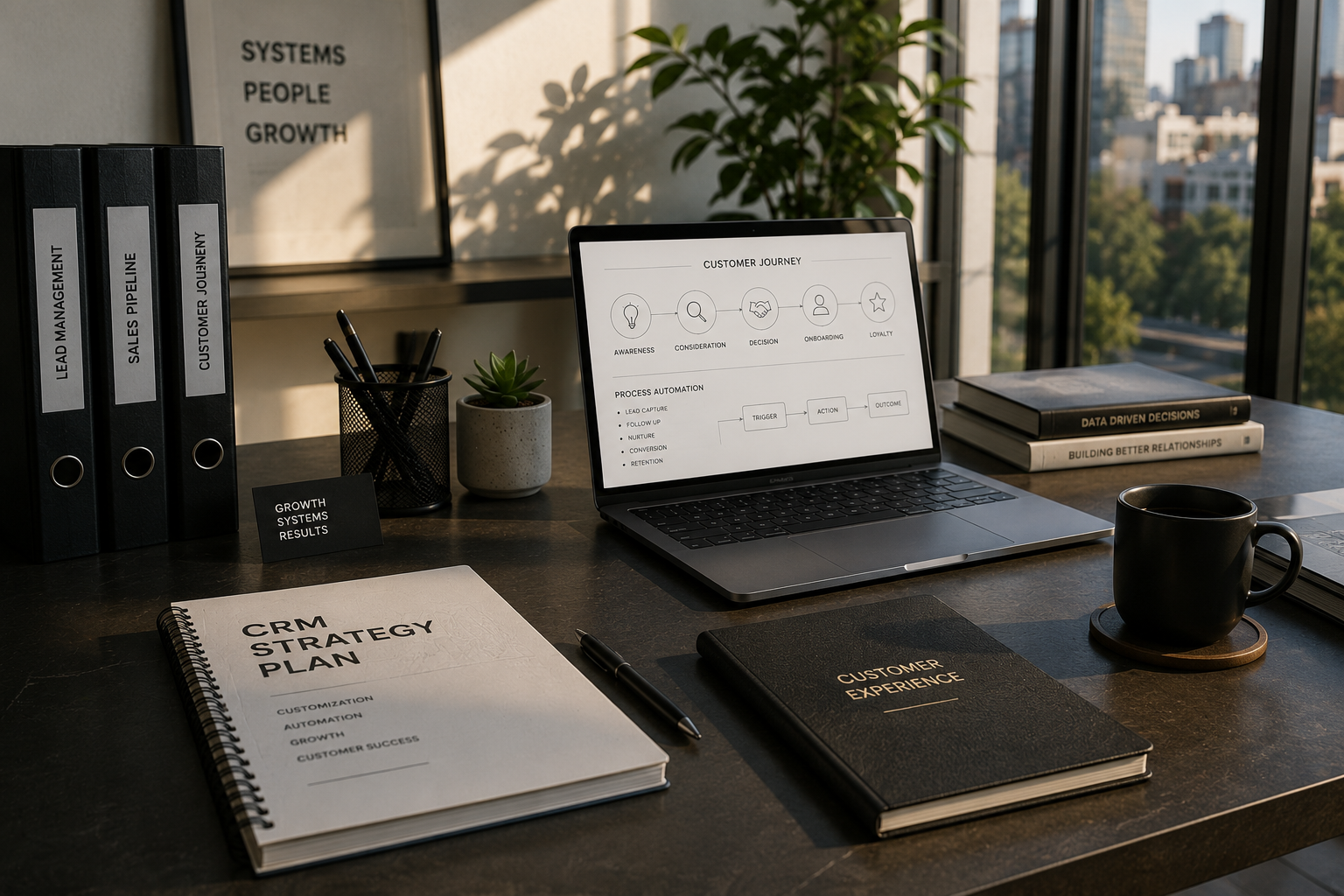
1. Map your customer journey before you touch settings
Before changing anything in the system, we always start with a pen, paper, and a simple question. How do people go from first hearing about you to becoming loyal customers? For CRM Customization for Small Business, that journey map is the foundation.
Think about steps like:
- Initial enquiry - Quote or proposal - Follow up conversations - Purchase or signup - Onboarding - Ongoing support or account management - Renewal or repeat purchase
Once you see this clearly, you can shape stages, fields, and automations around what actually happens in your business, not what some default template thinks should happen. The more honest you are about your real process, the more useful your CRM becomes.
2. Create custom fields that match how you sell
Out of the box, most CRMs include generic fields like first name, last name, email, company, deal value. For Custom CRM Development Small Business success, that is just the starting point. The real magic comes from custom fields that capture what truly matters to your decisions.
Some examples we often recommend include:
- Priority level or urgency of the enquiry - Preferred communication method - Key decision maker and influencers - Important deadlines or event dates - Products or services of primary interest - Budget range, not just a single number - Lead source in enough detail to be useful
When your CRM stores these details in structured fields rather than random notes, you can filter, segment, and report with far more accuracy. That means better targeting and less guesswork in your sales and marketing.
3. Tailor pipelines and stages to reflect reality
A lot of small businesses live with pipeline stages that do not quite fit. Maybe the CRM came with stages that sound right in theory but do not match everyday conversations. With Custom CRM for Small Business, we encourage you to rename and reshape those stages so everyone on your team understands them instantly.
For example, you might have:
- New enquiry - Qualified and interested - Quote or proposal sent - Negotiation or clarification - Verbal yes - Won and onboarded
Clear, meaningful stages do three important things. They reduce confusion among staff, give you much more accurate forecasting, and highlight where leads tend to stall so you can improve that part of the journey.
4. Use simple automations to remove repetitive work
Automation does not need to be complicated to be useful. CRM Customization for Small Business often starts with just a few low risk, high value automations that tidy up repetitive tasks your team is tired of doing manually.
A few ideas we often implement are:
1. Automatically assigning new leads based on region, product interest, or workload so no one falls through the cracks. 2. Triggering follow up reminders if there has been no activity on a lead for a set number of days. 3. Sending a friendly confirmation email when a form is submitted, so customers know you received their enquiry. 4. Creating a task for onboarding steps as soon as a deal is marked as won. 5. Updating lead status automatically when certain fields or activities change. 6. Generating simple internal notifications when high value opportunities are created.
Each small automation might save only a few minutes, but across your whole team, day after day, those minutes add up to meaningful time savings and more consistent follow through.
5. Build sensible segments for targeted communication
A CRM is not just a storage place, it is your best tool for sending the right message to the right people. Custom CRM Development Small Business projects often include designing sensible segments so your email campaigns, offers, and updates are much more relevant.
You might segment by:
- Location around Melbourne and regional Victoria - Industry or customer type - Past purchase history - Engagement level with previous campaigns - Stage in the customer journey - Size of business or revenue band
Once those segments are in place, you stop sending one size fits all messages and start speaking more directly to what each group cares about. That often leads to higher response rates and a much better experience for your contacts.
6. Customize dashboards for quick, meaningful insight
One of the most overlooked aspects of CRM Customization for Small Business is the dashboard. Too often, it shows generic charts that no one really looks at. We prefer dashboards that tell you, within a few seconds, if you are on track.
A useful CRM dashboard for a small business might include:
- Number of new leads this week or month - Conversion rates between key pipeline stages - Average time to respond to new enquiries - Revenue forecast for the next quarter - Top performing lead sources - Open tasks and overdue follow ups
The goal is simple. When you log in, you should immediately know where attention is needed. That clarity makes day to day decisions faster and gives you a calm sense that you are not missing something important.
7. Document workflows and train your team properly
Even the best configured system fails if your team is unsure how to use it. Custom CRM for Small Business is not just about settings, it is also about habits. We always recommend creating short, clear process notes and doing live walk throughs with staff.
A few practical steps include:
- Writing simple checklists for handling new leads, updating stages, and closing deals - Agreeing on what each pipeline stage really means in your context - Showing everyone how to log notes and next steps in a consistent way - Reviewing CRM usage in team meetings so people see it as part of the job, not an extra chore
When your team understands the why behind each field and stage, data becomes more accurate and the CRM turns into a shared source of truth rather than a reluctant obligation.
Start your growth focused CRM journey
The right CRM Customization for Small Business does not have to be complex or overwhelming. At AKT Services, we focus on simple, thoughtful changes that line your CRM up with the way you already work, then add structure and automation where it brings real value.
Whether you are just getting started with a new CRM or you have been using one for years and know you are only tapping into a fraction of its potential, we can help you clarify your processes, design meaningful customizations, and support your team as they build new habits around the system.
Next steps
If you would like to explore how we can personalize your CRM around your specific workflows, you can reach us through the contact page at https://aktservices.org/contact.
To get a feel for our broader services and how we support small businesses around Melbourne and Victoria, you can visit the main website at https://aktservices.org/.
If you are still in the early thinking stage and just want to learn more about our approach to CRM and technology for small business, you can read more about us at https://aktservices.org/about.